Promoting a design and development tool through comics
To increase awareness of cool features in Web Origami, I kicked off a weekly comic series with a Mastodon post:
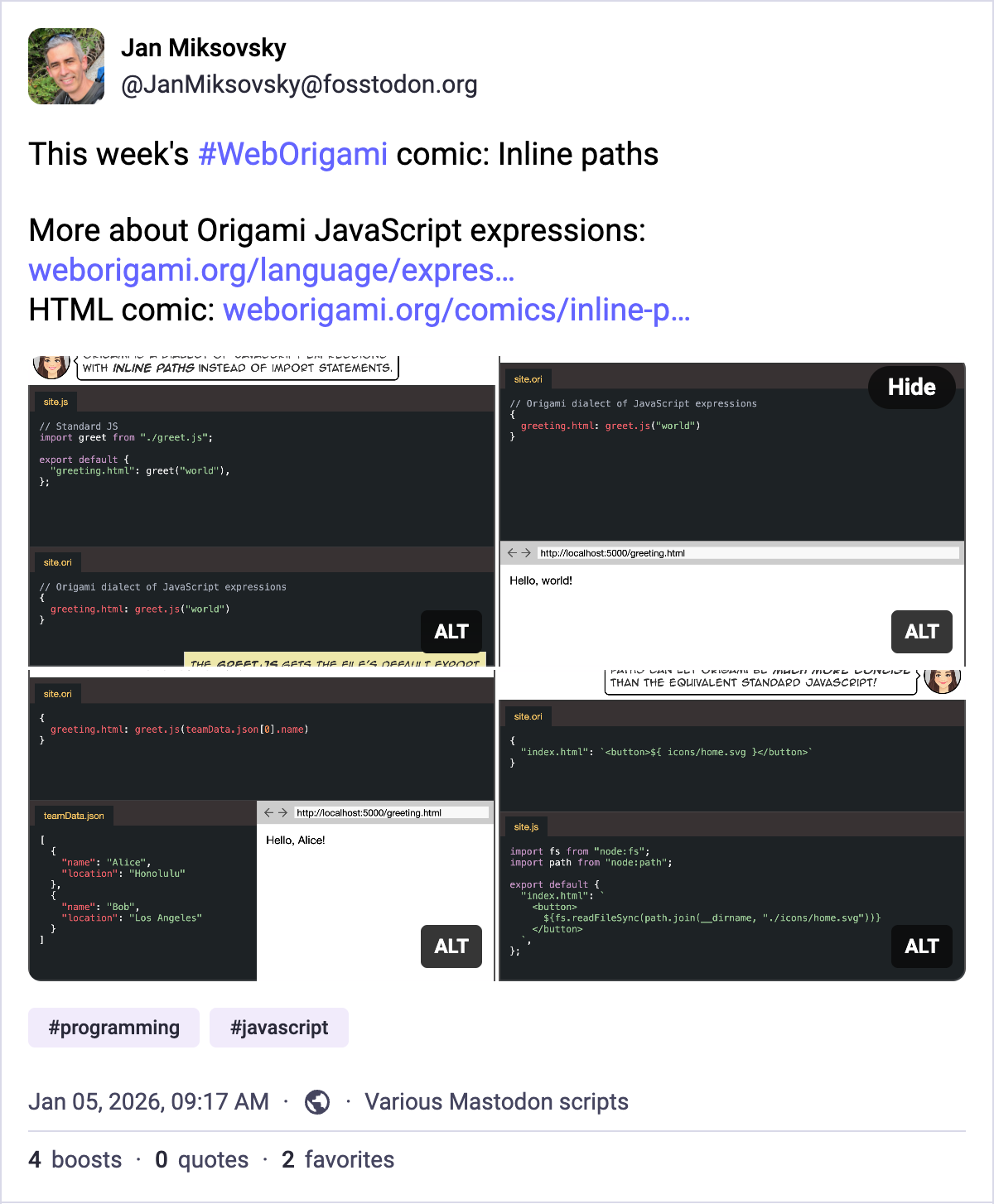
Each 4-panel comic will deliver a short, standalone story. I thought a 4-panel comic would be a perfect format for Twitter-like sites that allow 4 images per post. The images should add visual interest to a user’s feed, and the user can read the comic right there. Each comic will also be available as regular HTML on the Origami site.
It takes a couple of hours to rough out a little story, come up with code examples, ensure they work, and revise as necessary. I write the comic script in YAML, indicating who is talking, what they’re saying, and what should appear in the panel.
The rest of the process is automated:
- It’s easy to compile that YAML script to HTML using Origami itself.
- Origami can easily runs the code samples and inlines the results directly into the comic so that the terminal session and browser panels are 100% accurate.
- To confirm code continues to work as Origami evolves, I use Origami’s
Dev.changesbuiltin to test the site and flag any changes in code output. - I capture HTML comic panels as PNG images using Origami’s screenshot extension.
- I use Origami and JavaScript to upload the images to Mastodon and make a post using additional information from the YAML script.